Short answer: stop opening the save on more devices, check the three versions available in Load Game, preserve an offline copy of the save folder, and then separate a save-only failure from a wider startup problem. Only attempt file repair when
Player.logcontains one of the exact errors in the official Paralives recovery article.
First protect the evidence
Do not keep launching, saving, or testing the same file on several computers. Paralives patch 0.1.5 added Steam Cloud, while Steam's own documentation says matching Cloud files are synchronized before and after a session. That makes Cloud useful for continuity, but it also means it is synchronization rather than a separate, user-controlled archive.
Before editing or deleting anything:
- Let any current Steam sync finish, then close Paralives and Steam.
- Copy the entire save folder to a separate local folder or external drive. Do not work on the only copy.
- Give the copy a date and device label, such as
Paralives-save-backup-2026-08-29-laptop. - Keep the original and backup separate until one copy has loaded and been checked in game.
The official Windows troubleshooting path is:
C:\Users\(USERNAME)\AppData\LocalLow\Paralives\Paralives\MySavedGames.mod
The public Paralives recovery article currently documents Windows. A Paralives team member also identified the native macOS data folder as:
/Users/(Your User Folder)/Library/Application Support/com.Paralives.Paralives/
This guide does not guess a Linux, Steam Deck, CrossOver, or alternate Steam-install path. If the documented folder is absent, stop and use the current official support thread rather than deleting a similarly named folder.
Recovery decision tree
Use one branch at a time. The expected result tells you whether to continue or change branches.
| What you observe | Next safe test | Expected result | If it fails |
|---|---|---|---|
| Load Game opens and shows the affected save | Select an earlier version of that save | Patch 0.1.5 says the menu can expose the last three autosave versions | If all versions fail, preserve the folder and move to the log branch |
| The affected save hangs, but New Game loads | Reproduce the failed load once, close the game, then inspect Player.log | A matching parse or meta-file error identifies one of the official repair branches | No exact match means stop; do not improvise a repair |
| Both the affected save and New Game fail | Treat this as startup, install, or mod isolation—not proven save corruption | Disabling community content or following the pinned startup checklist may restore a clean launch | Do not edit the save until the base game can reach a new game |
| The save works on one device but is missing or older on another | Preserve the known-good local folder before another session, then check whether Steam Cloud is enabled for Paralives | Steam can synchronize supported save files between computers | Do not overwrite either side while the correct copy is uncertain |
| The game crashes before a useful test | Record the game version, system details, Player.log, and Player-prev.log | The official support route receives a reproducible crash report | Do not publish save files, account data, or unrelated personal files |
Use the three autosave versions first
Patch 0.1.5 introduced three important save changes: smaller new save files, three retained autosave versions per save, and Steam Cloud support. The previous versions are available from the Load Game menu according to the patch notes.
- Update Paralives before testing so the installed build includes the 0.1.5 save changes or later.
- Open Load Game without opening and resaving the broken version.
- Check the available versions from newest to oldest.
- Load one version and inspect the household, lot, inventory, relationships, and recent progress before trusting it.
- If a version loads but important state is missing, exit without overwriting the preserved backup and try the next older version.
The patch notes do not promise that every corrupted file will have three healthy recovery points. They also do not state that autosave is enabled for every existing profile. Check the current in-game option instead of assuming it is active.
Separate save corruption from startup failure
The official pinned troubleshooting post makes a useful distinction:
- If Continue hangs but New Game works, the problem may be specific to that save.
- If New Game also fails, the pinned post routes the player through startup and mod troubleshooting.
- If the game shows Reimporting assets, the official post treats installed community content as a separate branch.
This distinction prevents a common failure: editing a save when the actual blocker is a mod, an installation problem, or a wider startup issue. For the latter branches, use the safe mod isolation guide and the performance and crash checklist before touching save internals.
Only repair an error that exactly matches
The official corrupted-save article asks players to reproduce the failed load, close the game, and inspect Player.log in the Paralives data folder. It currently documents two specific branches:
- A JSON parse error that names the affected file.
- A meta-file parse error with a different repair procedure.
Do not treat any line containing the word error as proof that one of those repairs applies. File edits are a last-resort procedure:
- Work only on a duplicate of the backed-up folder.
- Match the log wording and file path to the current official article.
- Follow the branch for that exact file type; do not reuse a meta-file fix on a JSON file or vice versa.
- Review any save content before submitting it to a third-party validation website. The official article links external JSON tools, but that does not make them a private backup service.
- Restart and test the duplicate. If it still fails, restore the untouched copy and report the evidence.
If Player.log does not contain an exact documented error, the evidence is insufficient for manual repair. Stop there. The Paralives article explicitly says other issues may exist for which it has no manual fix.
Steam Cloud: what it can and cannot prove
The current Steam store lists Steam Cloud for Paralives, and patch 0.1.5 says saves can sync to another computer. Steam's platform documentation explains that Cloud files are normally downloaded before launch and uploaded after a session.
That supports two conclusions:
- Cloud can move a supported save between computers when synchronization succeeds.
- The presence of a Cloud copy does not prove that the copy is healthy, newest, or an independent rollback point.
When two devices disagree, preserve the local folders first. Do not choose or overwrite a copy based only on its filename. Compare the in-game preview and loaded state, and keep both backups until the correct version is confirmed.
The public sources reviewed for this guide do not document every Steam conflict-dialog label, Cloud retention rule, or cross-operating-system edge case for Paralives. This page therefore does not promise a server-side restore or prescribe which side of a sync conflict to select.
Build a useful support report
If the safe branches do not recover the save, use the official game feedback route. Include:
- Paralives version and the date the save last loaded successfully.
- Operating system and whether Steam Cloud was enabled.
- Whether New Game loads.
- Which of the three Load Game versions were tested.
- Whether the issue reproduces without community content.
- The exact final error from
Player.log, plus the smallest reproduction sequence. - Whether an untouched backup still exists.
Share logs only through the current official route and remove unrelated personal information. Do not post the save folder or Steam account credentials in a public discussion.
Stop conditions
Stop and preserve the current state when any of these is true:
- You have not made an offline copy of the save folder.
- Steam shows unresolved synchronization activity or two devices disagree.
- The documented folder is missing or the platform path differs from the first-party source.
Player.logdoes not match an error in the current official repair article.- New Game also fails, which means save corruption is not isolated.
- One copy loads and the proposed next step would overwrite it.
The goal is not to try every internet fix. It is to preserve the best remaining evidence and make only the smallest reversible change supported by the observed branch.
Related guides
- How to install and isolate Paralives mods
- Paralives performance and crash checklist
- Paralives system requirements
- Editorial and evidence policy
FAQ
Does Paralives keep three autosaves?
Patch 0.1.5 says the autosave feature keeps the last three versions of each save and makes them available from the Load Game menu. Check that autosave is enabled in the current build; the patch note does not promise that every profile starts with it enabled.
Can Steam Cloud restore a corrupted Paralives save?
Steam Cloud can synchronize supported save files between computers, but the reviewed sources do not promise a separate rollback history or a healthy server copy. Try the three in-game versions and preserve local folders before relying on Cloud.
Where are Paralives saves on Windows?
The official recovery material points to C:\Users\(USERNAME)\AppData\LocalLow\Paralives\Paralives\MySavedGames.mod. Back up the entire folder before following any deletion or repair step.
What if New Game also will not load?
Do not assume the save is corrupt. Follow the pinned startup and mod-isolation branch first, then return to save recovery only after a clean new game can load.
Source and procedure scope reviewed: 2026-08-29. Exact menus, paths, Cloud behavior, and repair cases can change during Early Access; recheck the linked first-party pages before editing files.
Screenshots
Related official screenshots
Source: official Paralives press kit
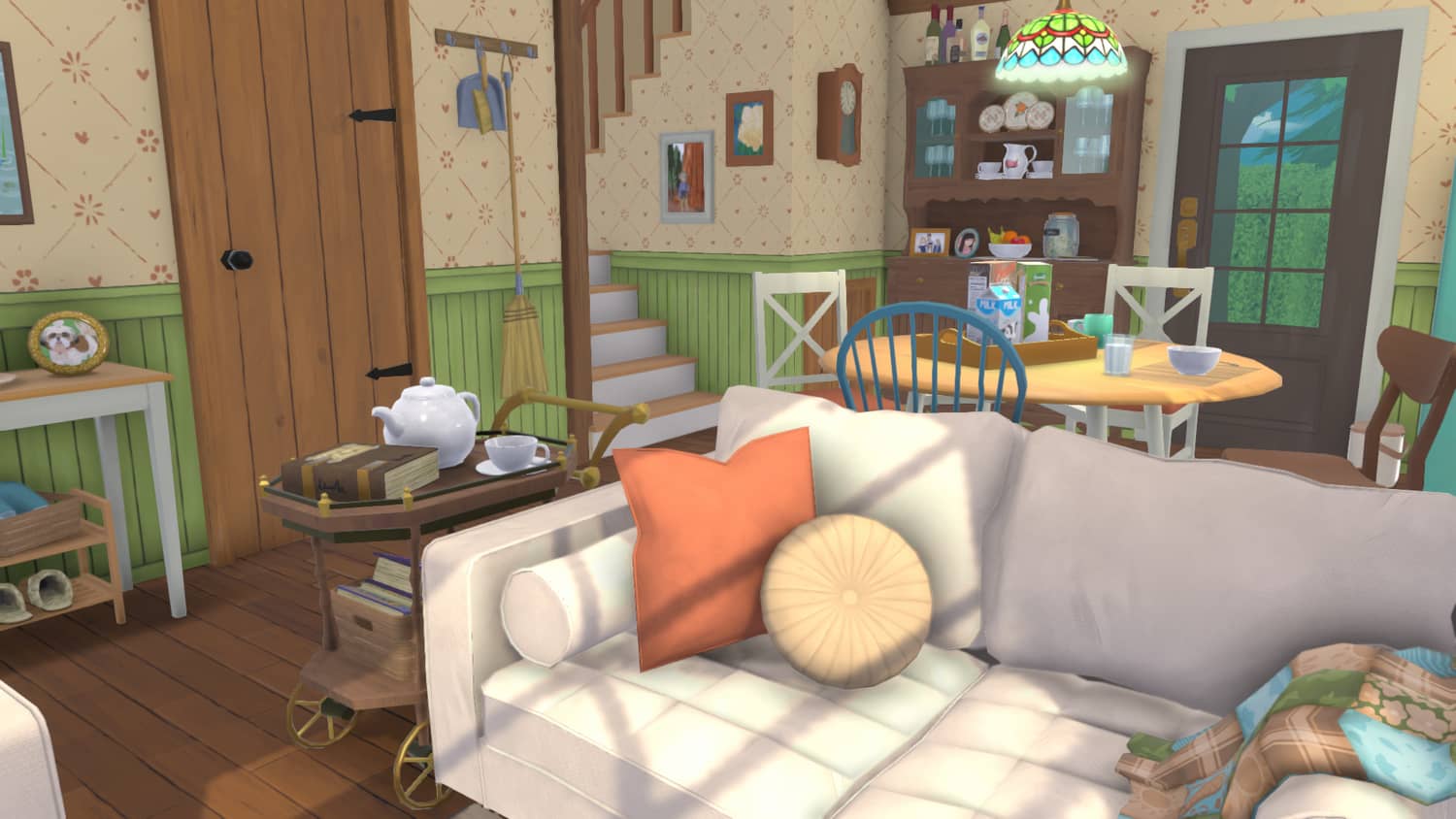
Official Paralives press kit screenshot

Official Paralives press kit screenshot
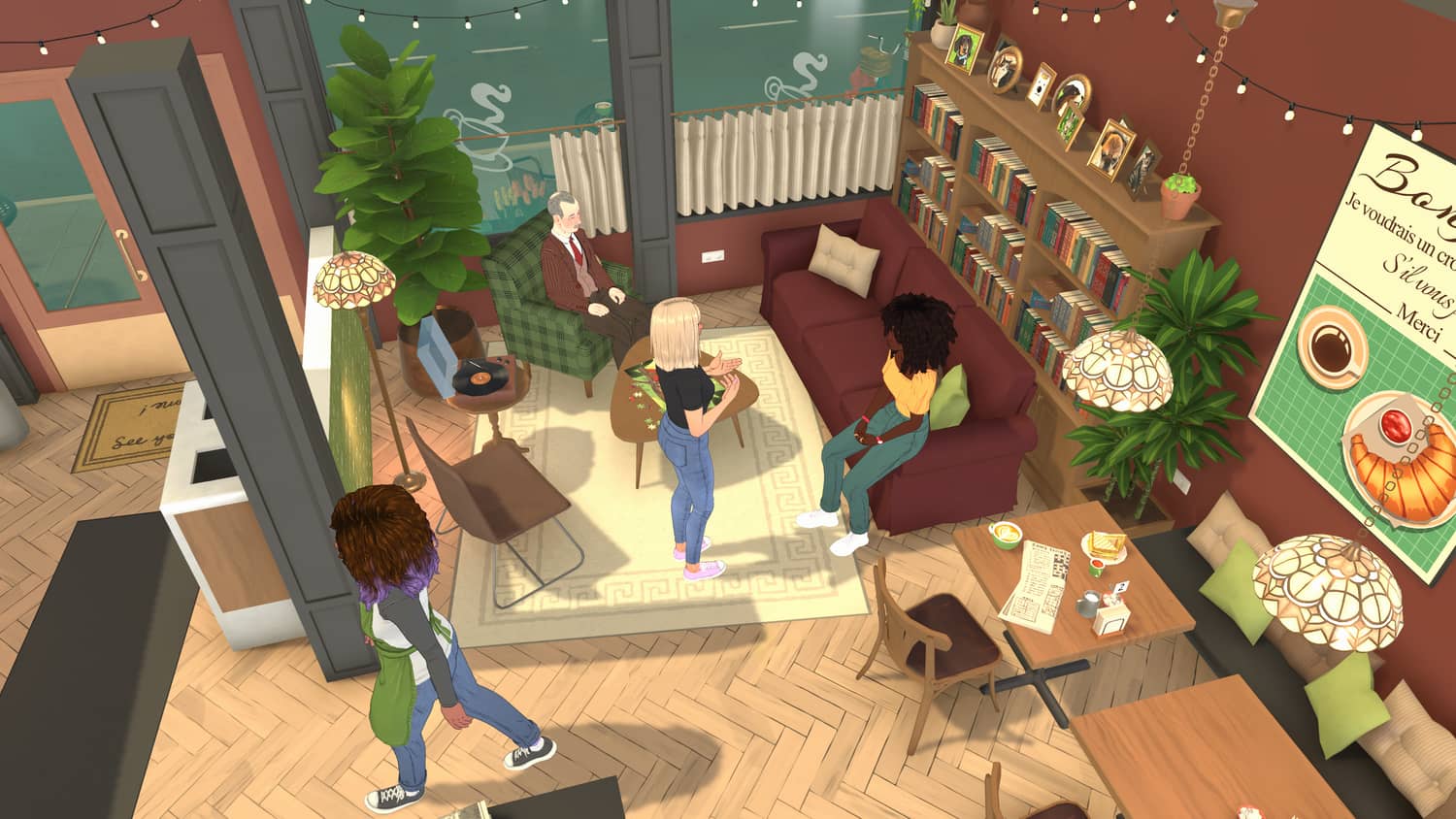
Official Paralives press kit screenshot