Short answer: confirm your hardware against the current Steam requirements, update the game and drivers, lower resolution or graphics settings, test without mods or overlays, and change one reversible setting at a time. Do not edit undocumented Unity files or force DLSS/FSR through a driver panel.
Before changing anything
Record the game version, operating system, CPU or Apple chip, GPU, RAM, display resolution, affected save or lot, and what “slow” means: low average FPS, brief stutter, input lag, a loading freeze, or a crash. Those symptoms need different tests.
Check Paralives system requirements first. Meeting the minimum tier means the official listing considers the configuration supported; it does not promise a particular frame rate at every resolution or in every lot.
Safe troubleshooting order
- Install the latest Paralives patch, restart the computer, and confirm the problem still occurs.
- Update the GPU driver on Windows or install the current supported macOS update for your machine.
- Use Steam to verify the installed game files.
- Lower display resolution and the graphics controls available in the current game. Steam specifically recommends this when frame rate is low.
- Temporarily close recording tools and overlays, then retest the same scene.
- Disable community content and test a copied save. Patch 0.1.7 notes that some mods can stop working as Early Access changes.
- Compare a new small lot with the affected save. This separates a general rendering problem from a save-, lot-, or mod-specific problem.
After each step, keep only the change that produced a repeatable improvement. Changing several settings at once makes the result hard to diagnose.
What not to do
- Do not copy an undocumented
boot.configtweak from another Unity game. - Do not set the game process to Realtime or High priority as a routine fix.
- Do not assume DLSS, FSR, or frame generation can be added from a GPU control panel; those features require game support.
- Do not download “performance patches” or replacement binaries from an unverified rehost.
- Do not test risky changes on your only save.
These actions add variables, can create instability, and are not supported by the official sources used for this guide.
Read patch notes before repeating old advice
Official patch 0.1.8 says the team optimized animation loading, newspaper generation, and building fade behavior to reduce lag spikes and stutters. Advice written for the launch build may no longer target the same bottleneck.
The same notes say the team is still collecting reproduction steps for ongoing issues. Check the newest official patch notes before treating a workaround as current.
Build a useful performance report
Use the official game feedback form and include:
- Game version and whether the problem began after an update.
- Windows or macOS version, CPU or Apple chip, GPU, RAM, and display resolution.
- Save, lot, and activity where the problem appears.
- Whether the same issue occurs in a new unmodded save.
- The smallest reliable reproduction sequence.
- Before-and-after measurements for the one setting you changed.
Do not attach account credentials or unrelated personal files to a public report.
Mac checks
The current Steam minimum starts at Apple M2 with 12 GB RAM; the recommended tier starts at Apple M3 with 16 GB. Apple M1 is not listed as supported. If the machine is below the current tier, do not promise that a settings tweak will make it supported.
Windows checks
The current Steam minimum lists Windows 10, 12 GB RAM, GTX 1060 or RX 6600 XT, and an i5 or Ryzen 5 at 2.5 GHz. The listing does not specify an Intel generation, SSD requirement, or guaranteed frame rate. Compare the full table rather than one component name.
When will this be fixed officially?
No exact fix date is promised here. Patch 0.1.8 documents ongoing optimization and a shift toward the first major update planned for the end of 2026, while hotfixes may still ship for important issues.
Related guides
- Paralives save recovery and backup
- Paralives system requirements
- Is Paralives worth buying in Early Access?
- Paralives roadmap 2026
FAQ
What is the fastest Paralives performance fix to try first?
Update the game and driver, verify files, then lower the resolution or available graphics settings and test without mods or overlays.
Should I edit Unity configuration files?
No. This guide found no first-party support for an undocumented Unity configuration edit.
Can I enable DLSS or FSR in a driver panel?
No. Do not claim driver software can add a game-integrated upscaler. Use only options exposed by the current game and supported hardware.
Are performance issues expected to improve?
The team is publishing optimization work, but no universal performance result or fix date is guaranteed.
Official troubleshooting scope reviewed: 2026-08-29. Recheck current patch notes before repeating an older workaround.
Screenshots
Related official screenshots
Source: official Paralives press kit
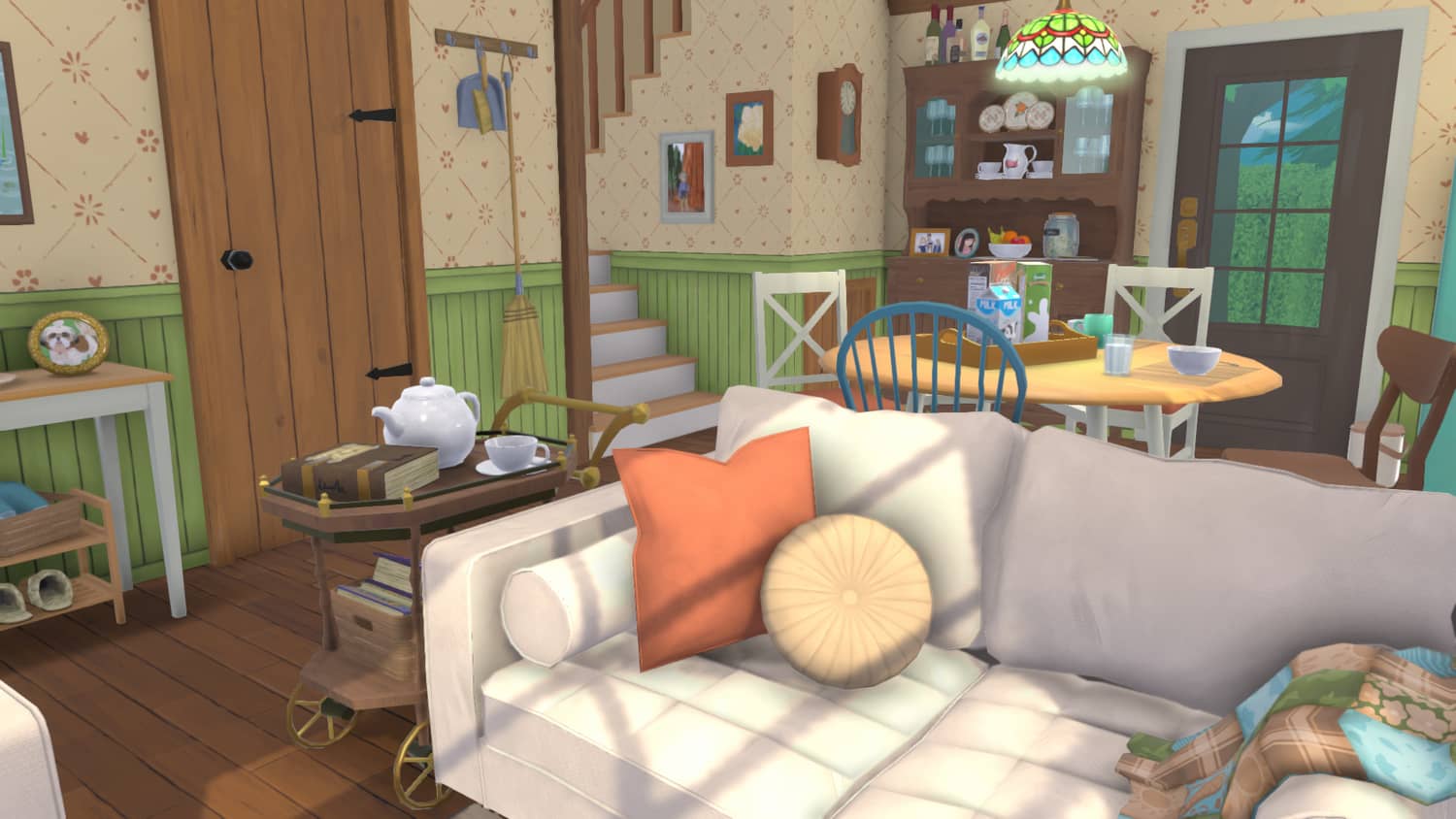
Official Paralives press kit screenshot
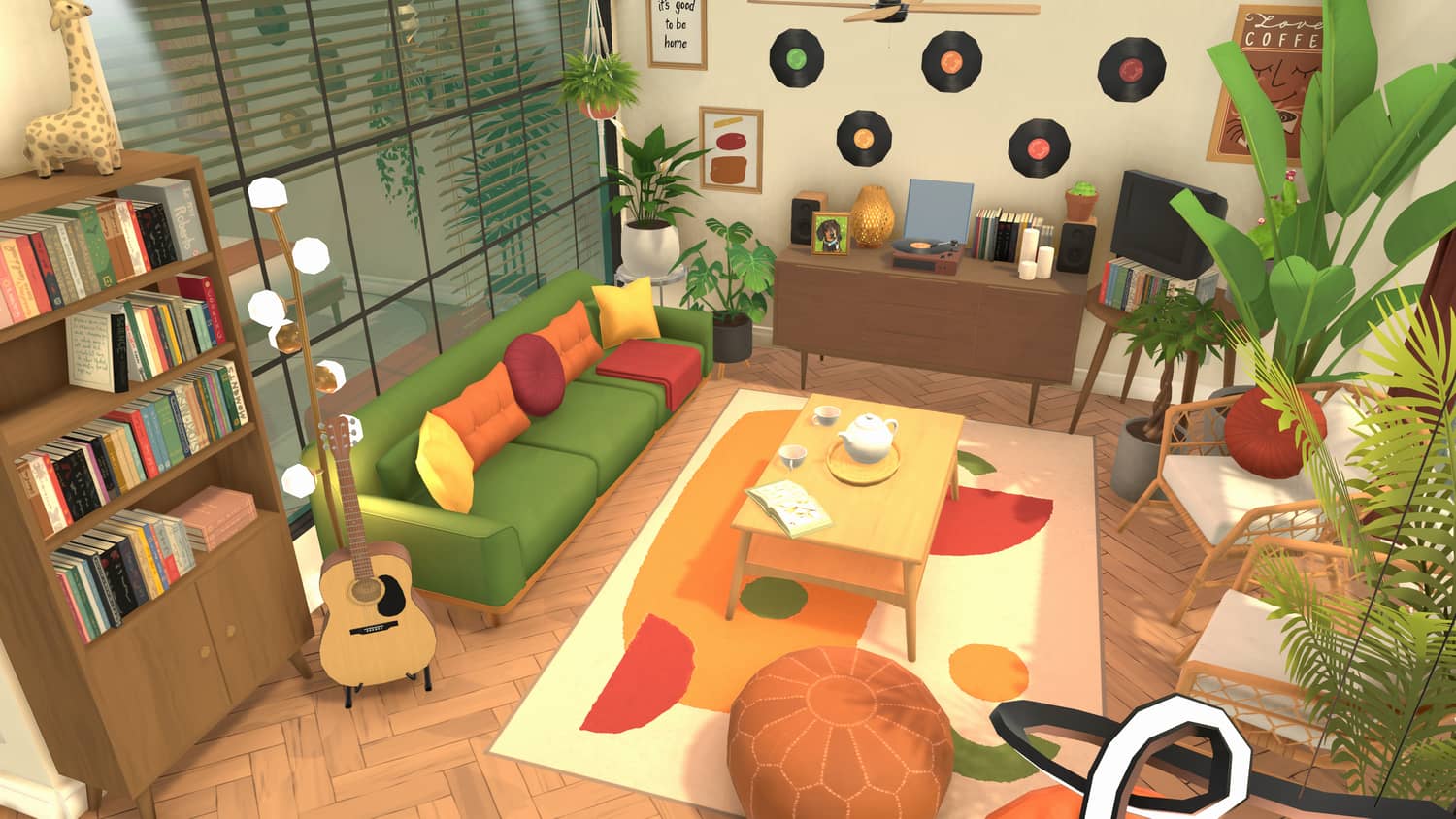
Official Paralives press kit screenshot
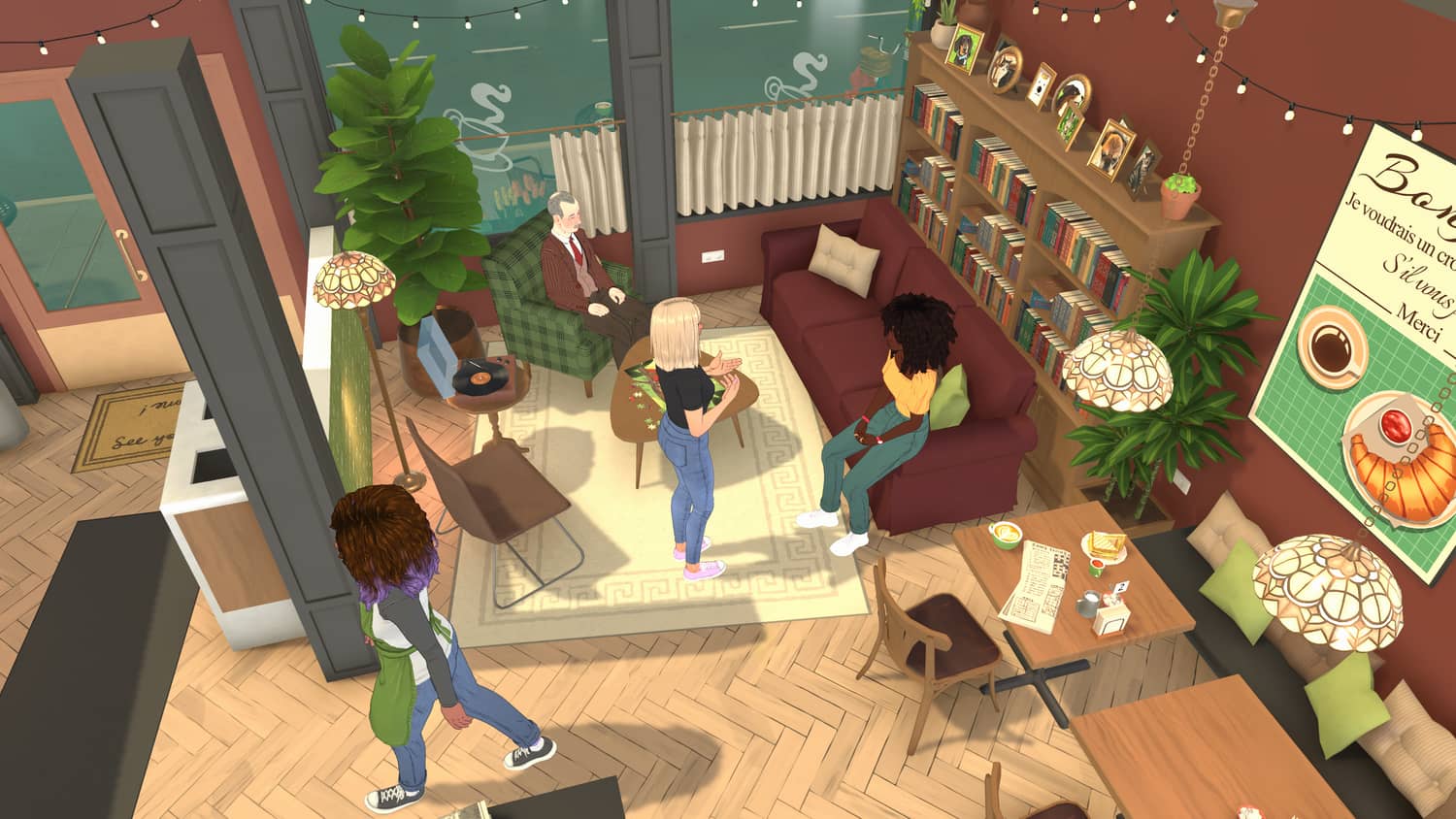
Official Paralives press kit screenshot