Short answer: use the original Steam Workshop item, read its requirements and update notes, subscribe through Steam, and test it in a copied save. Paralives supports Workshop content and an in-game modding interface, but Early Access updates can break community items.
What is officially supported
The official Steam listing includes Steam Workshop and an in-game modding interface for editing or adding content. The official FAQ says players can share creations, custom content, and mods through Workshop.
The same FAQ says script mods are not planned at the moment. Do not treat a third-party script loader or manual folder path as an officially supported workflow.
Install a Workshop item safely
- Open the item on the original Paralives Steam Workshop.
- Read the description, required items, creator update notes, and recent comments.
- Check that the creator mentions compatibility with your installed game version.
- Subscribe through Steam and let the download finish before launching the game.
- Review the current in-game Mods interface or help text, then test the item in a copied save.
Exact buttons and categories can move during Early Access. If a Workshop description and the current in-game interface disagree, follow the current game interface and ask the creator for an update.
Before loading an important save
- Keep an unmodded backup from before installing the item.
- Add one small group of items at a time so a failure is easier to isolate.
- Never download a rehosted file when the creator provides an original Workshop page.
- Do not publish someone else's lot, household, art, or package as your own.
Official patch 0.1.7 warns that some mods may stop working as Paralives changes during Early Access. A mod working today is not proof that it will work after the next patch.
Troubleshoot a missing or broken item
- Confirm Steam finished the Workshop download and restart both Steam and the game.
- Re-read the item's required dependencies and current version note.
- Disable the newest items, then retest the same copied save.
- Test without community content. If the problem disappears, re-enable items in small groups.
- Use Steam's file verification if the unmodded game is also failing.
- Give the creator your game version, platform, reproduction steps, and relevant log details without sharing private account or save data publicly.
Publishing your own work
The official store confirms an in-game modding interface and Workshop sharing, but it does not document every creator button on the public page. Use the help text in your installed build for the current publishing workflow. Before publishing, test a clean copy, list dependencies, state the game version used, and explain whether other creators may modify or redistribute your work.
Related pages
- Paralives save recovery and backup
- Paralives roadmap 2026
- Paralives system requirements
- Is Paralives worth buying in Early Access?
- Editorial policy
FAQ
Are Paralives mods supported?
Yes. The official Steam listing and FAQ document Workshop and in-game modding support.
Where is the mods folder?
Use Steam Workshop and the in-game Mods interface first. This guide does not claim an official manual folder workflow.
Does ParaLife Hub host mods?
No. ParaLife Hub does not rehost mods.
Should I back up saves?
Yes. Back up saves before testing mods.
Source scope reviewed: 2026-08-29. Item compatibility still needs to be checked against your installed build.
Screenshots
Related official screenshots
Source: official Paralives press kit
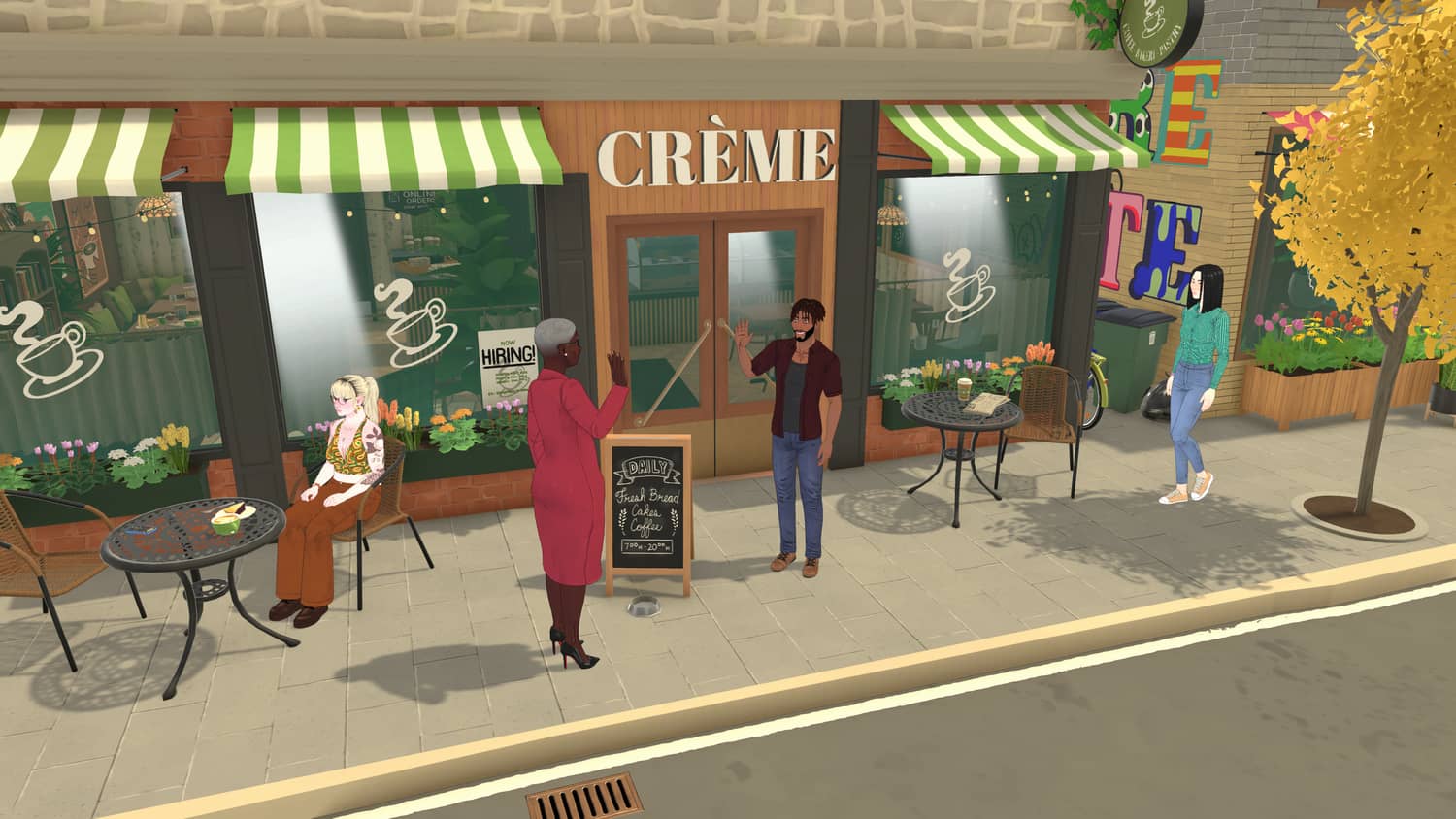
Official Paralives press kit screenshot
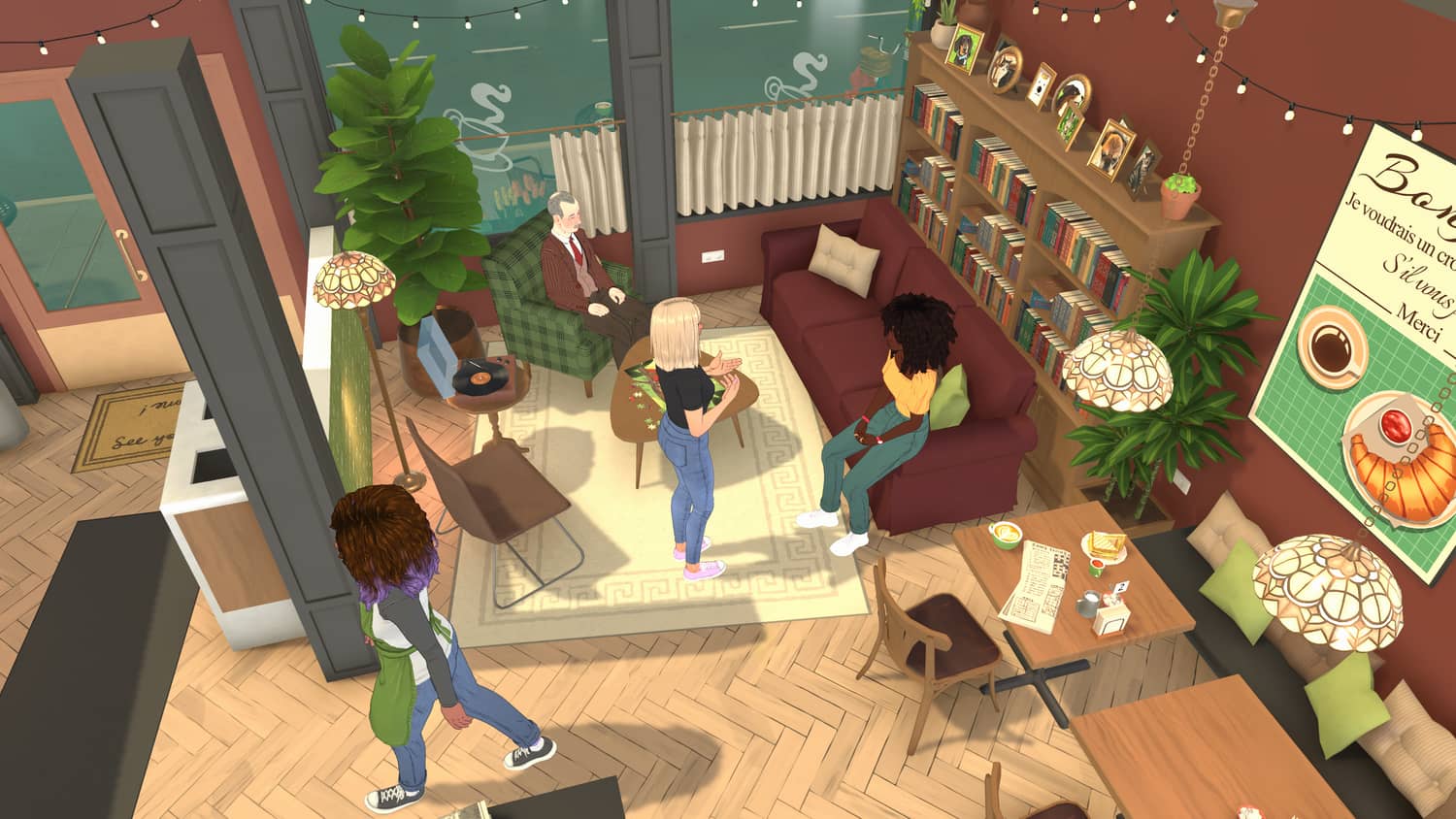
Official Paralives press kit screenshot
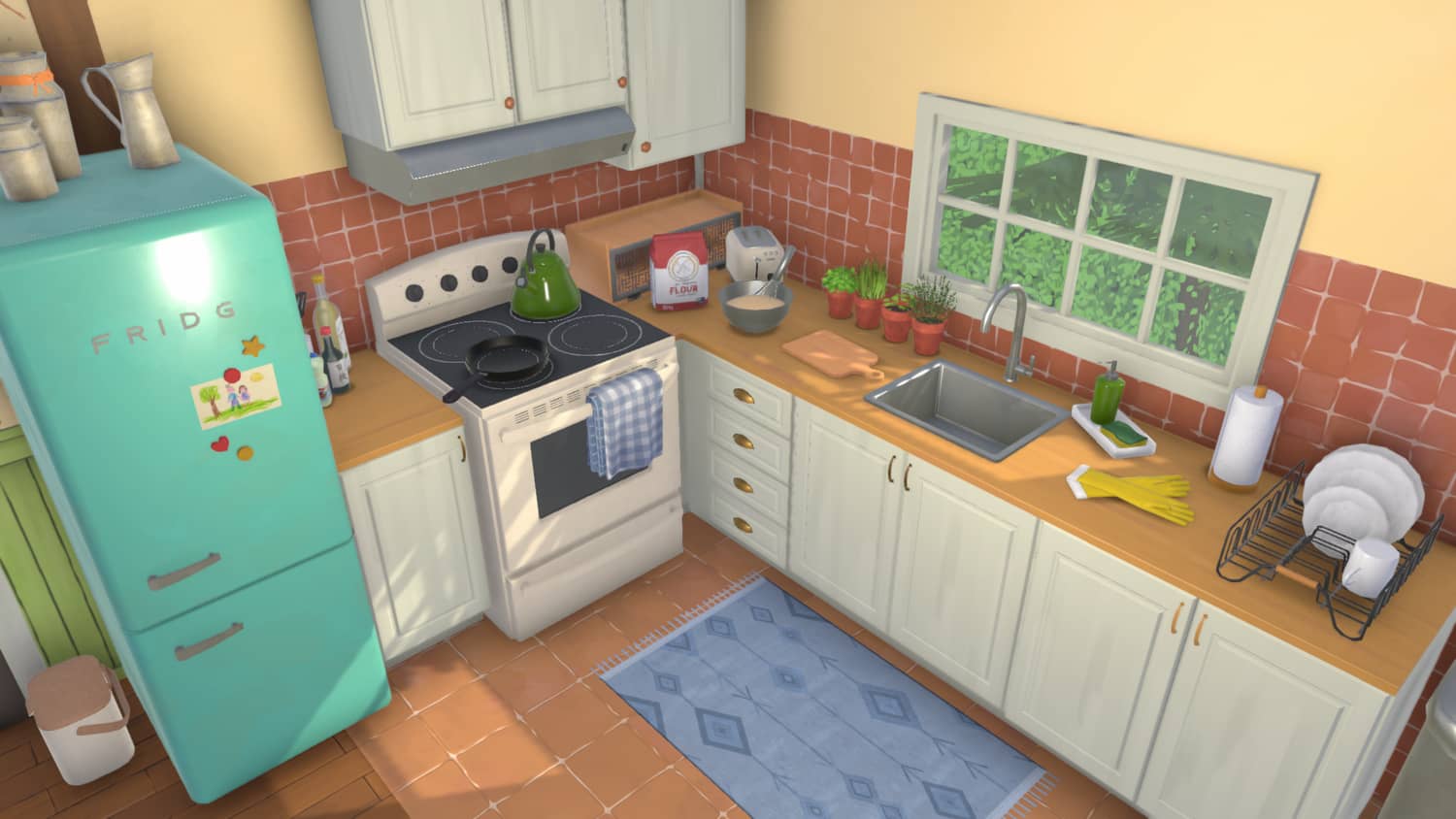
Official Paralives press kit screenshot