Short answer: Paralives officially documents flexible curved or angled walls, an optional wall grid, object resizing and recoloring, split levels, multiple floors, stairs, roofs, and fences. Start with a small saved test lot so you can learn the current controls without risking a larger build.
Currently documented build tools
The official development page currently lists:
- A color wheel for build items.
- Flexible wall placement at curves and angles, with an optional wall grid.
- Split-level platforms and multiple floors.
- Moving existing walls and resizing objects.
- Stairs, roof placement, and fences.
This page does not use an unsourced feature-by-feature Sims 4 table. Shortcuts and object-specific limits should be checked in the current build.
Getting started: the basic workflow
- Save a test copy — Learn tools on a small lot before editing a long-running household.
- Set the footprint — Decide room sizes and circulation before detailed furnishing.
- Test wall geometry — Use the available curved, angled, or optional-grid wall tools and confirm doors and windows still fit.
- Check vertical structure — Add platforms, floors, stairs, and a simple roof before spending time on decoration.
- Furnish in passes — Place essential objects first, test access, then resize and recolor decorative items.
- Save versions — Keep named checkpoints before large wall moves or Workshop uploads.
Color and resizing checks
The public source says the color wheel is available broadly and that object resizing is supported. It does not document every object's limits, so check each selected item before designing around a specific transformation.
- Check that resized seating, doors, stairs, and appliances remain usable.
- Save and reload a test copy before publishing a heavily transformed lot.
- If an interaction path breaks, restore the last checkpoint and isolate the last structural change.
Build mode cheats
No dedicated build mode cheats are currently verified for Paralives. Use money cheats to increase your budget if needed. See the cheats list.
What is not in build mode yet
The official development page lists pools, advanced roof and stair tools, curved-wall window or door placement, basements, lake or pond tools, and more objects as planned during Early Access. Planned does not mean dated or guaranteed; check the roadmap tracker before assuming a tool shipped.
Related pages
FAQ
Is Paralives build mode grid-free?
Yes. Walls and furniture are not locked to a traditional grid.
Can furniture be resized?
Object resizing is an officially listed feature. Check the selected object's current controls and usable state after resizing.
Are basements and pools available?
They remain listed as planned on the current official development page reviewed for this guide.
Are there build mode cheats?
No dedicated build mode cheats are currently verified. Use money cheats if you need more budget.
Official feature scope reviewed: 2026-08-29. Exact controls should be checked in the installed build.
Screenshots
Related official screenshots
Source: official Paralives press kit
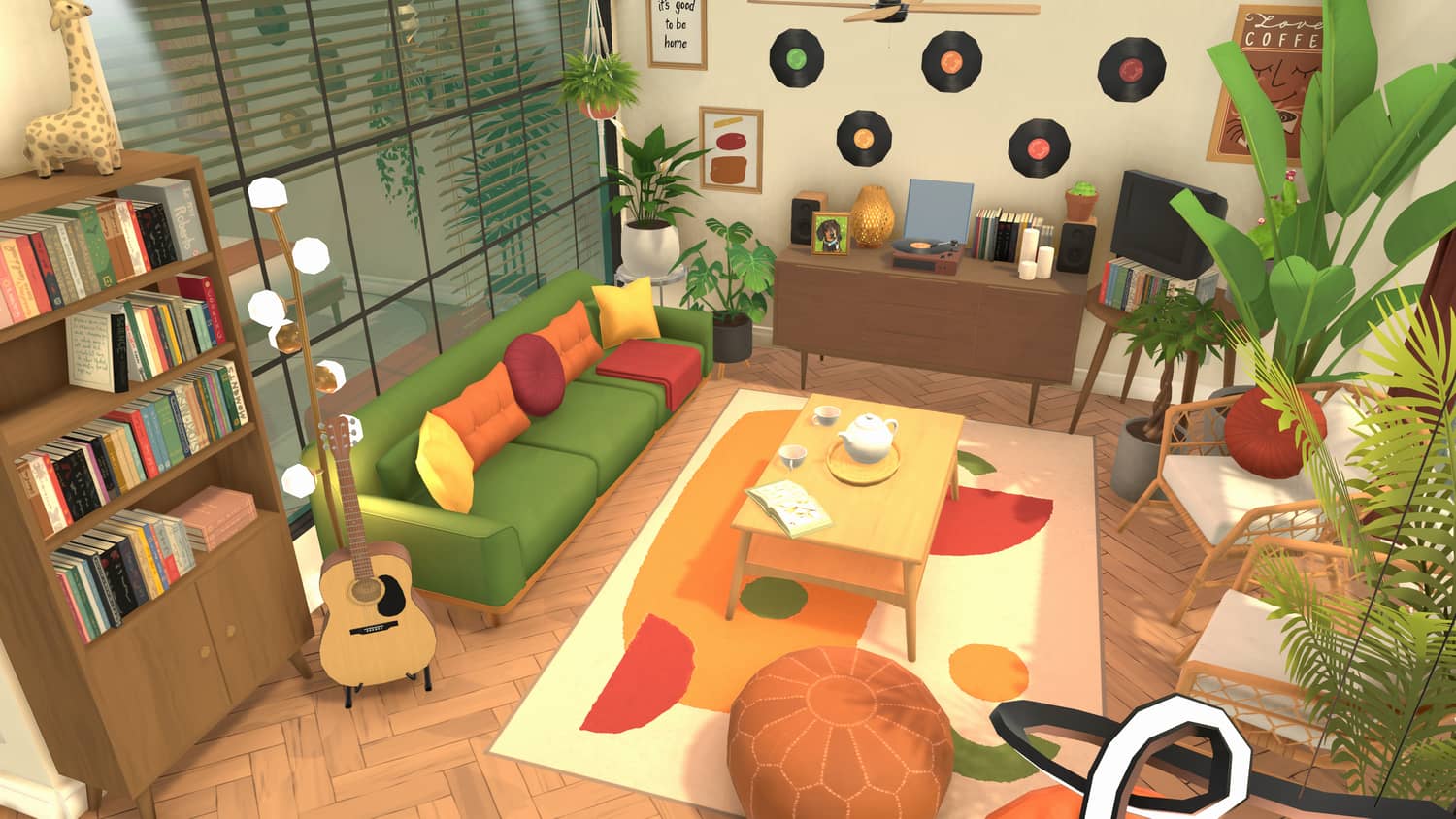
Official Paralives press kit screenshot
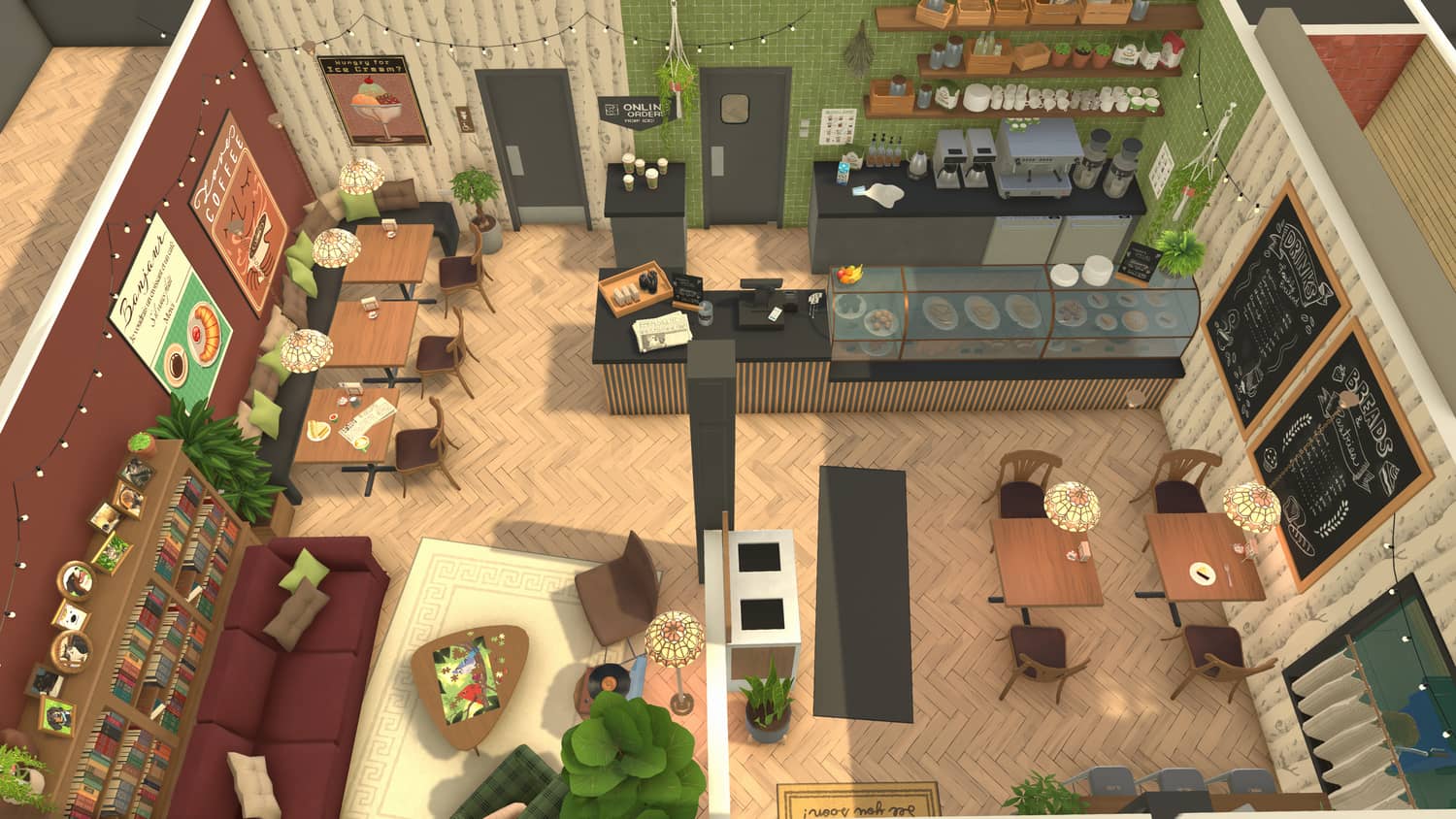
Official Paralives press kit screenshot
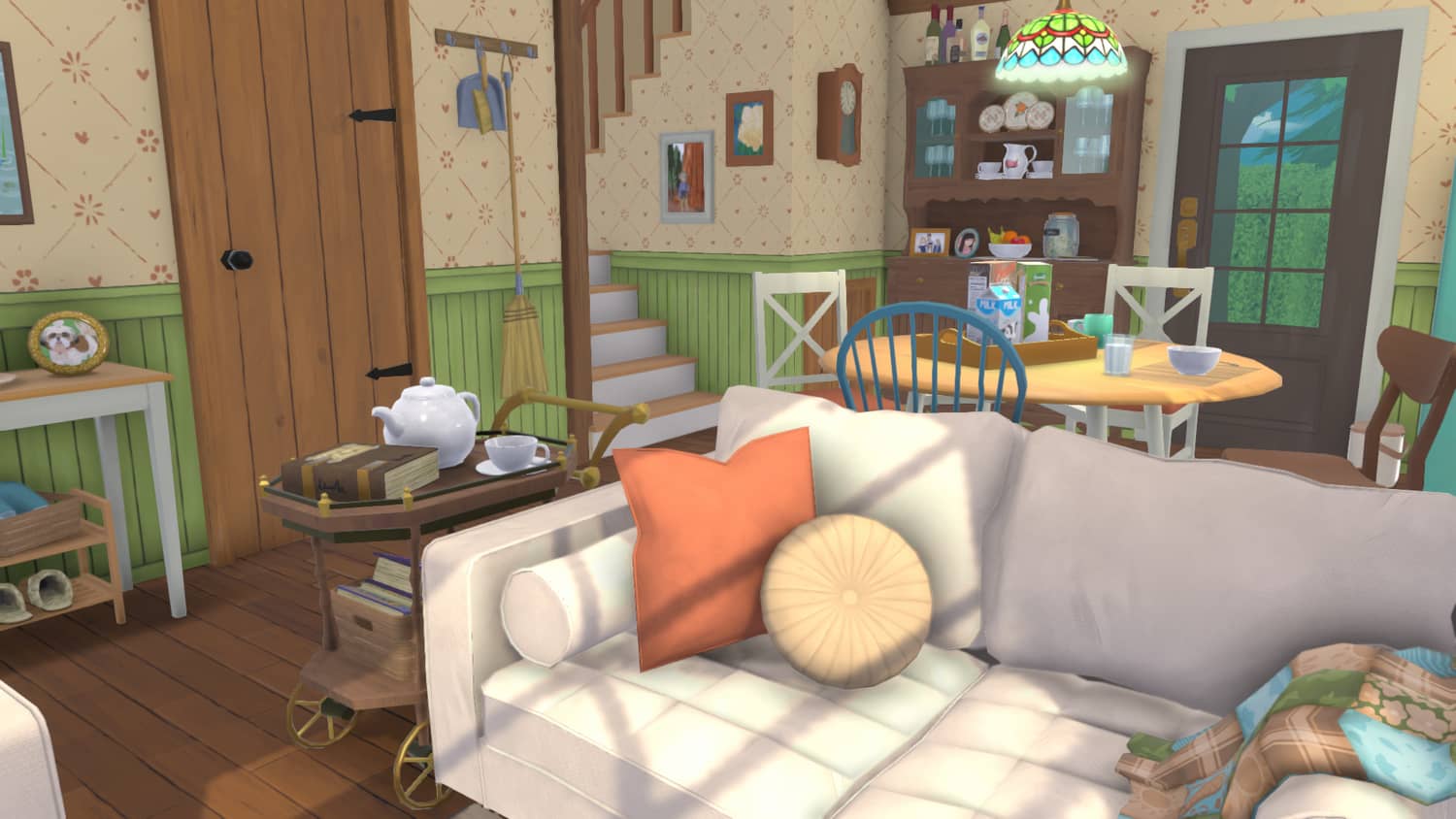
Official Paralives press kit screenshot