Short answer: the May 28 snapshot lists
Ctrl+F1orCtrl+Shift+Con PC andCmd+Fn+F1on Mac. Runhelpin your installed build before relying on any command.
How to open the console
The May 28 in-game snapshot recorded these shortcuts:
| Platform | Shortcut |
|---|---|
| Windows / PC | Ctrl+F1 |
| Windows / PC alternate | Ctrl+Shift+C |
| Mac | Cmd+Fn+F1 |
After the console opens, type help to print the commands available in your installed build. Early Access commands can change, so help is still the first command to use even when you know what you want.
Common command categories
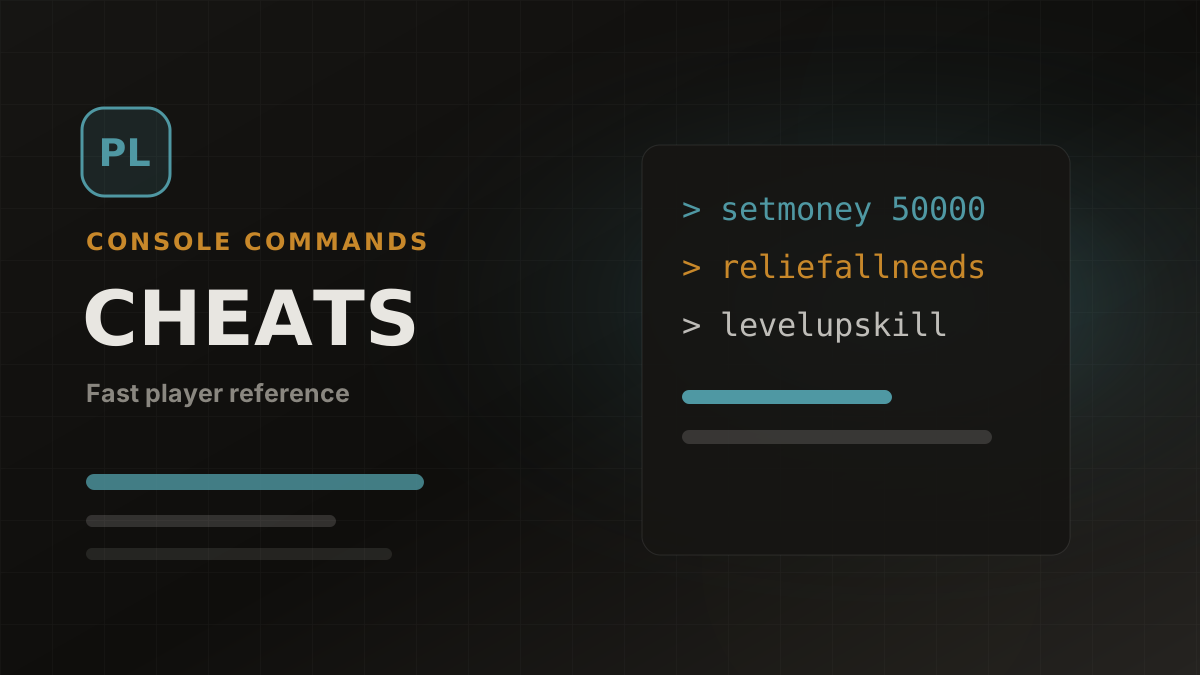
Money commands in the snapshot include jackpot, lottery, makeitrain, piggybank, printmoney [amount], setmoney [amount], and payday. Their effects are visible in household funds, but use a copied save when testing.
Needs commands include reliefallneeds, reliefallneedsofallcharacters, showneeds, and setneed [NeedID] [value]. Use these when testing hunger, sleep, hygiene, fun, and other need values.
Age and life stage commands include setage [number], nextlifestage, and previouslifestage. Use them on a backup save because age changes can alter relationships, household flow, and long-term story state.
Skill commands include showskills, levelupskill [SkillID], and setskilllevel [SkillID] [value]. Check the skills database for the current skill IDs listed on this site.
Character and time commands include editcharacter, getpregnant, givebirth, killcharacter, reviveallselectedcharacters, advanceday, advancehour, and sethour [hour].
How to use this list
Open Paralives cheats and console commands, search by command or effect, and read the notes column before using a command. The table is rendered from cheats.json, so the guide and the database page stay aligned.
Before testing destructive commands
Commands that change age, pregnancy, death, birth, or time should be tested on a copied save. If a command affects the wrong Para, reload before saving.
Formatting matters
Commands with placeholders need a value. For example, setmoney [amount] becomes setmoney 50000, and setskilllevel [SkillID] [value] becomes setskilllevel Astronomy 10.
Related pages
FAQ
Are all Paralives cheats confirmed?
No command should be assumed current only because it appears here. Most rows are a May 28 in-game snapshot; run help and check the row-level date before use.
Should I use help first?
Yes. The help command is useful because available commands may change during Early Access.
Do cheats work on Mac?
The May snapshot lists Cmd+Fn+F1 for Mac. Confirm the shortcut and individual command behavior in your current build.
Will cheats affect saves?
They can. Use a separate save when experimenting, especially with age, pregnancy, death, and time commands.
Source review: 2026-08-29. Most command behavior was last checked in game on 2026-05-28 and may change during Early Access.
Screenshots
Related official screenshots
Source: official Paralives press kit

Official Paralives press kit screenshot

Official Paralives press kit screenshot
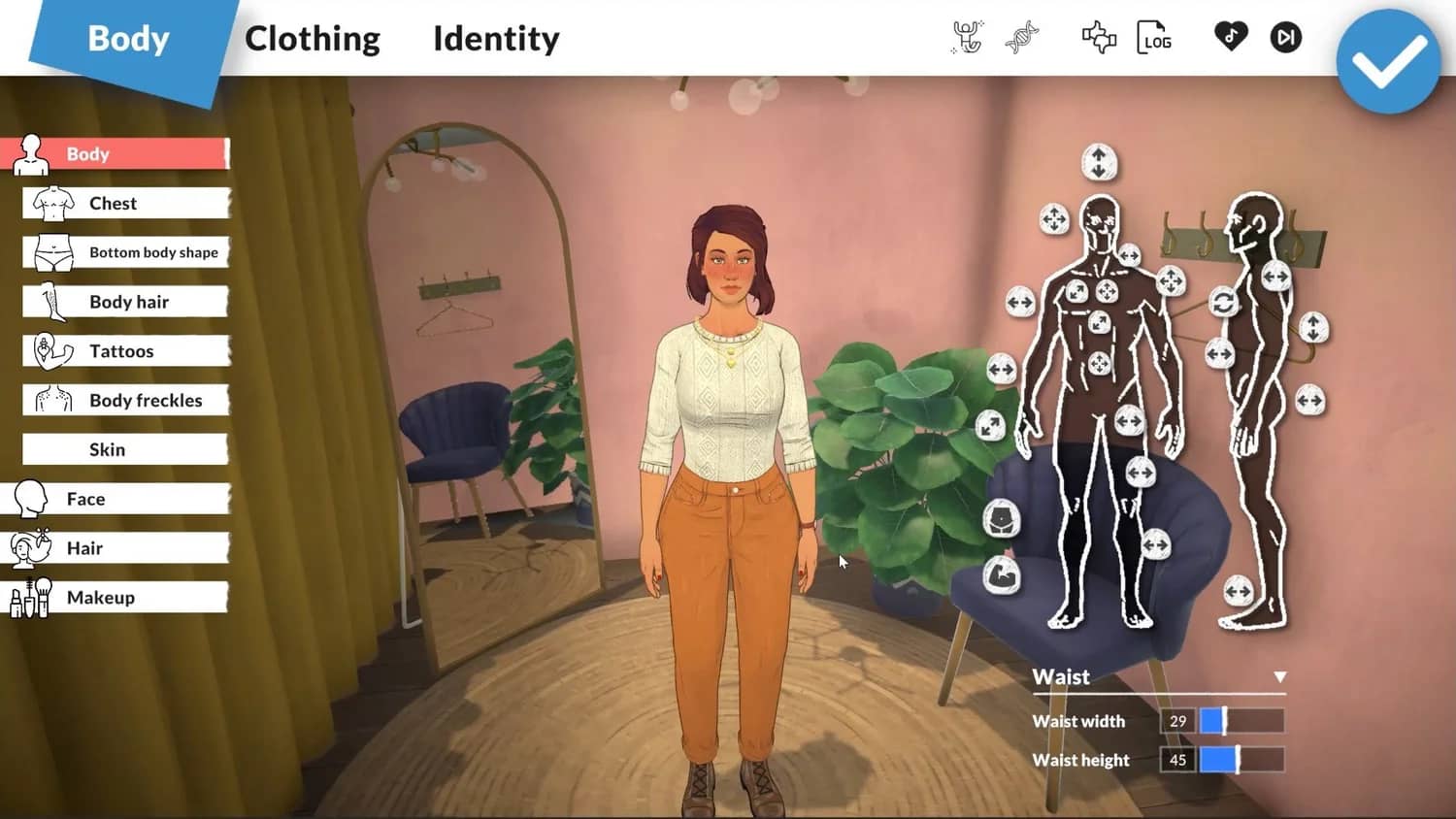
Official Paralives press kit screenshot